Canva Mockups for Print on Demand: How to Make Them
Part of our Canva for print on demand guide.
A mockup is an image that shows your design on a real-looking product: a shirt on a hanger, a mug on a table. Buyers cannot touch a print on demand product, so the mockup does the selling. Canva can make them. This guide shows how, and where the method slows you down.
What a mockup does for your listing
Your photos are your shop window. A clear mockup shows the product, the design and the scale at a glance. Etsy allows up to 20 images per listing, according to Printify's Etsy guide, so you can show several angles, colors and contexts.
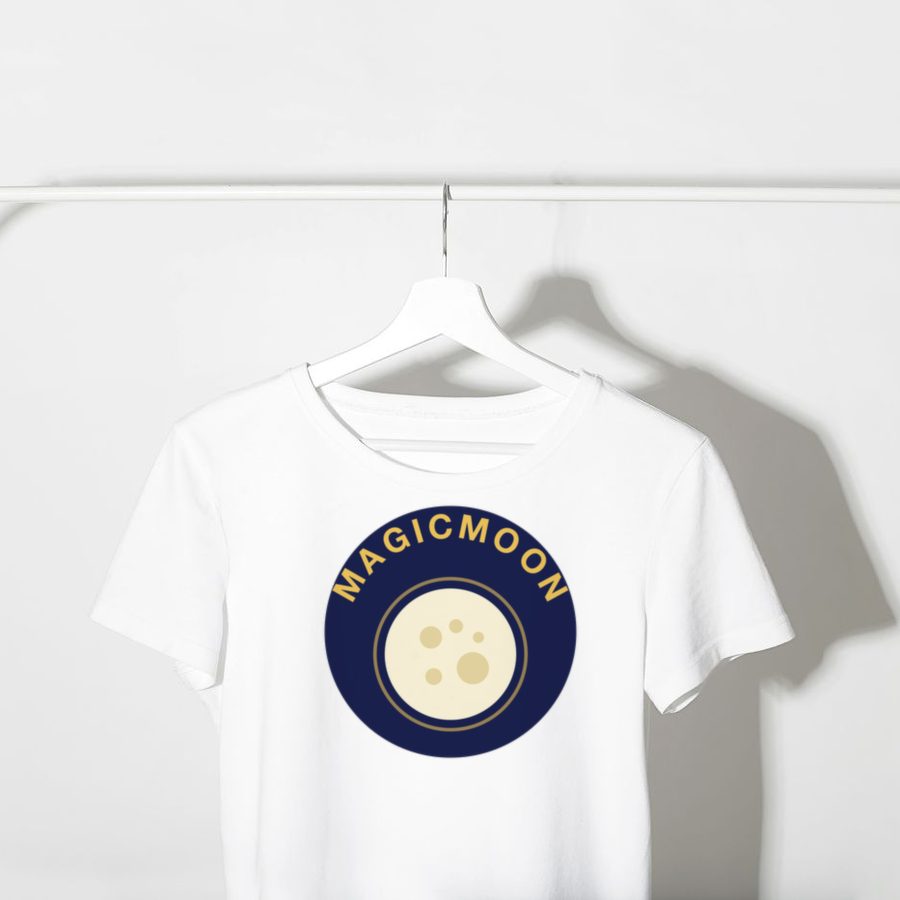
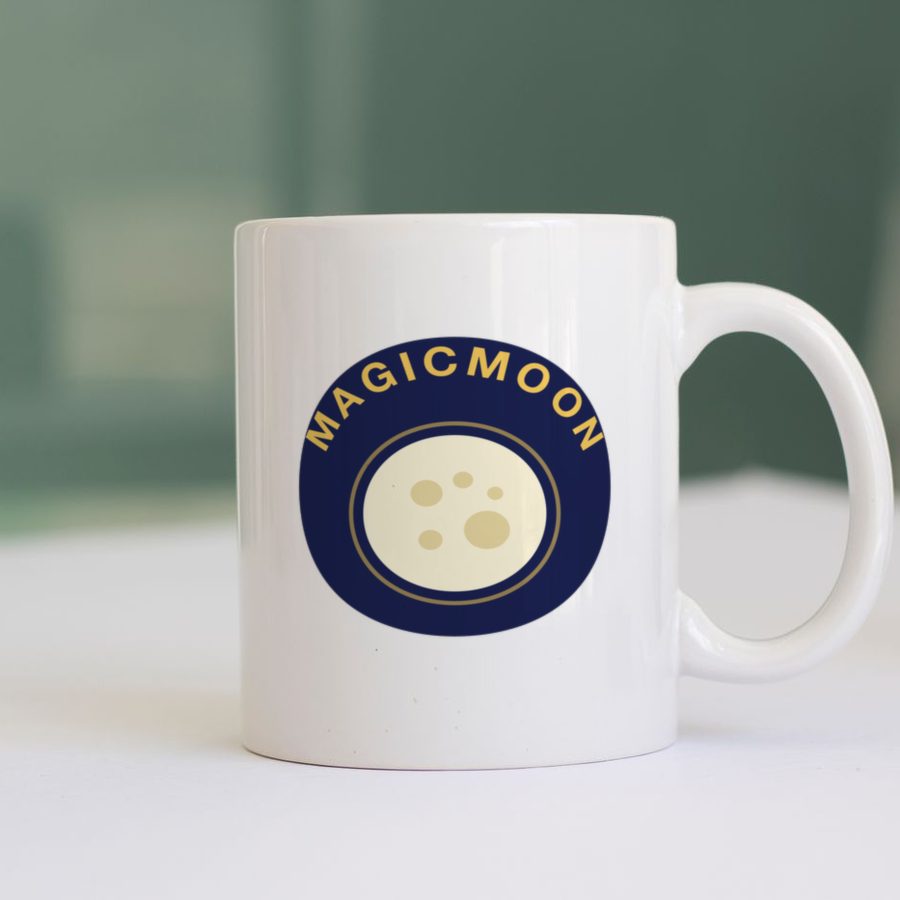
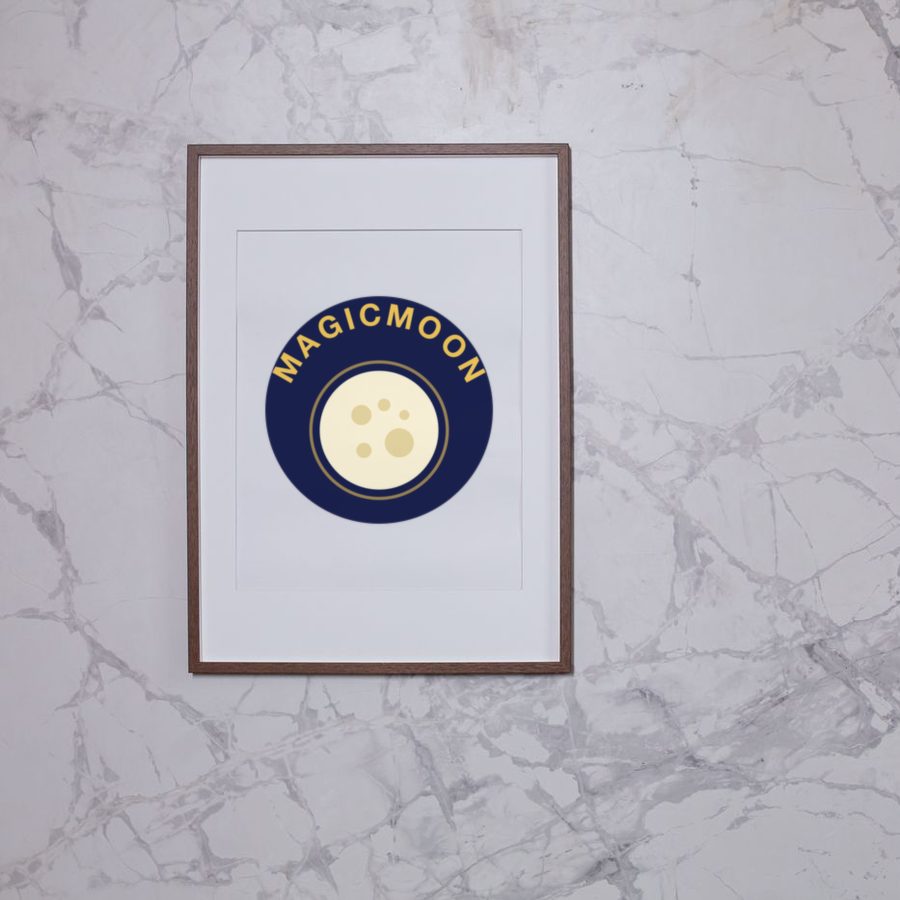
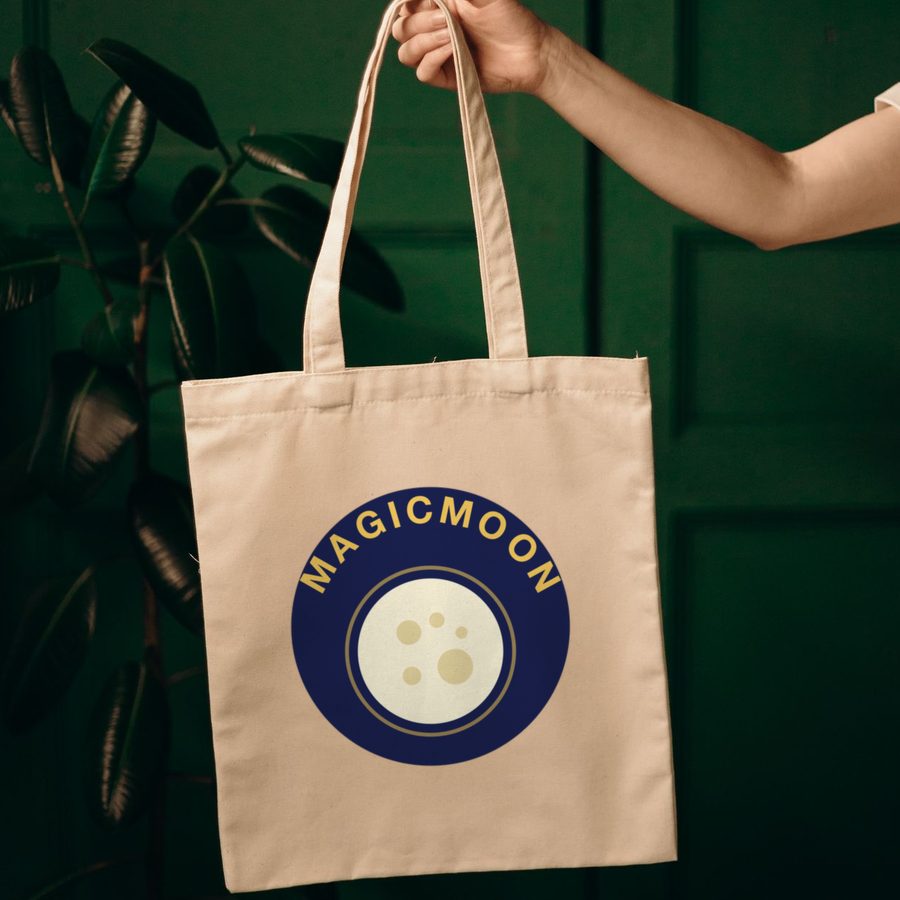
Mockup examples: one design, many products.
How to make a mockup in Canva, step by step
- Open Canva and search for “mockups”.
- Choose a template that matches your product, such as a t-shirt, a mug or a poster.
- Drag your design onto the template.
- Adjust the size, alignment and orientation until it looks right.
- Download the finished image at full resolution.
- Repeat for each product, color and angle you want to show.
Canva also includes Smartmockups, which you can open from the Canva home page or from inside a design. Smartmockups explains how in its help article. Some templates are marked as Pro, so what you can use depends on your plan: check Canva's current plan page.
Where Canva mockups fall short
- They are generic. A template shows a typical shirt, not your supplier's exact product and colors.
- They are manual. Ten designs on four products and three colors means many images to build one by one.
- They live apart from your listing. You still download, upload and match each image to the right variant.
Tips for mockups that sell
- Use the same lighting and style across all images of a shop.
- Show the product in context, not only on a flat background.
- Make the design large enough to read on a phone.
- Order a real sample, so you can add a true photo next to the mockups.
A faster way: mockups from the same interface
When you set up a product with a supplier, the tool can show it for you. Magicmoon connects Printify and Gelato, and according to its official page it shows the price of each variant next to the supplier cost and lets you choose mockups. That keeps the design, the product and the listing in one interface. Read the Magicmoon review for how it works.
Frequently asked questions
Can I make mockups in Canva for free?
Canva offers mockup templates and Smartmockups inside the editor, and some are free. Pro unlocks more. Check Canva's current plans for the details.
Are mockups the same as real product photos?
No. A mockup is a rendered image. Order a sample of each product to take real photos and to check the print quality.
Do I need mockups on Etsy?
Your images are the first thing buyers see, so yes: good mockups make your listing easier to trust.