Magicmoon Review: AI Tool for Print on Demand
Magicmoon verdict in 30 seconds
Magicmoon is much more than a design generator. It is the whole launch workflow for a print on demand product in one place: it creates the artwork, connects your supplier, sets up the product, places the design, writes the listing and publishes to your shop. Printify and Gelato on the supplier side, and Etsy, Shopify and WooCommerce on the shop side, all connect to it, so you work in one interface instead of five tools. The supplier still prints and ships the orders.
This review is based on the information published on the official website and on its interface. It does not promise any result.
What is Magicmoon and who is it for
Magicmoon creates product designs with AI, or takes your own artwork, then handles the setup work around them. Enlarging generated designs for print is free, while background removal uses Moonlings. It is aimed at print on demand sellers, from beginners who want a guided path to sellers who want to scale up.
Here is what it takes off your plate:
- Choosing the supplier, product, colors and sizes in one place.
- Placing the design on each print area, front and back when the product allows it.
- Showing the price of each variant next to the supplier cost, so you see your margin.
- Writing the title, description and tags with AI, for you to review.
- Publishing to your shop as drafts or live, one product or a whole batch.
What it does not do: print or ship. Your supplier produces and sends every order.
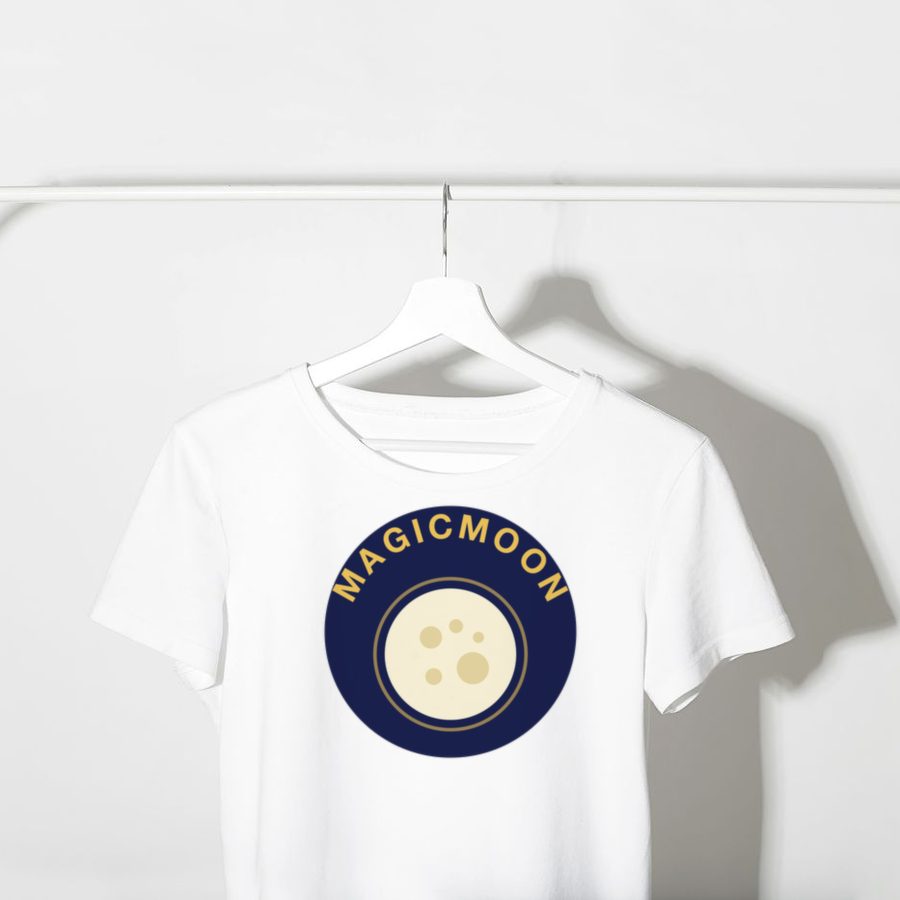
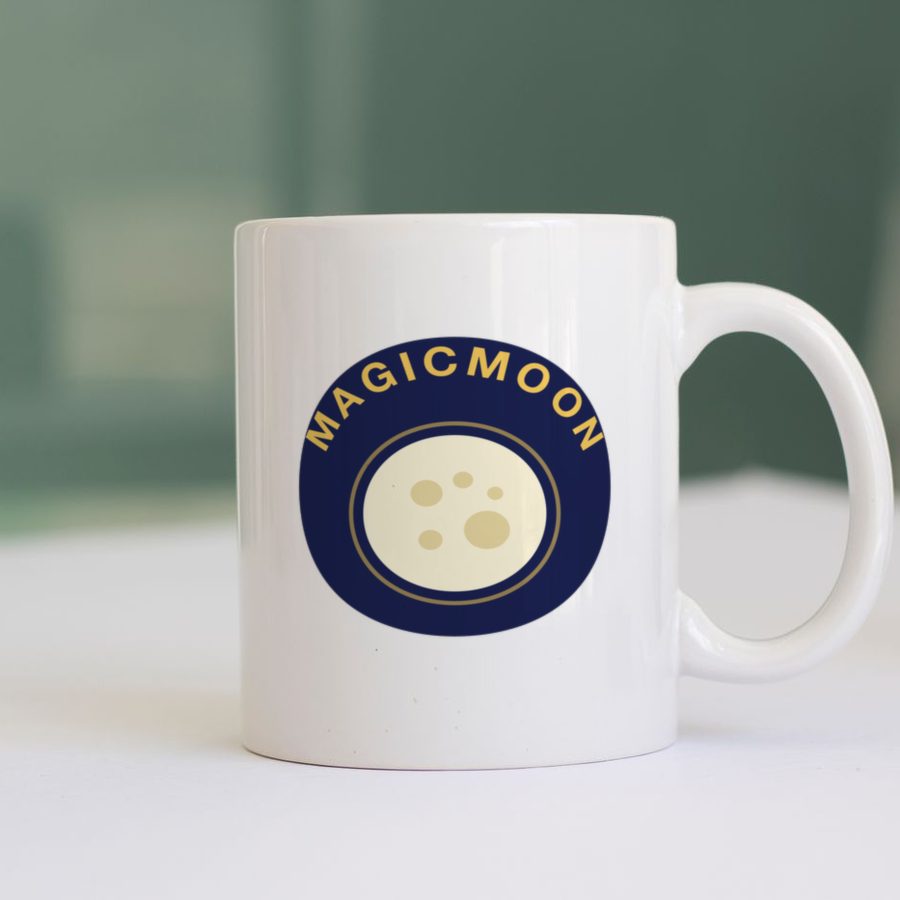

Mockup examples: one design, many products.
How Magicmoon works, step by step
The tool offers two modes:
- Magic Road: a guided path in three phases. Imagine: create designs or import your own and keep the ones you like. Compose: pick the supplier, the product and its variants, then place the design. Publish: the AI writes the listing, you review it, and the product arrives as a draft or goes live. Nothing goes live until you decide.
- Magic Road Auto: batch mode. You set a template once (products, framing, prices, listing and store), then run up to 500 ideas through it. You choose where the batch pauses for your decision.
Each brand lives in a workspace called a planet. The number of planets you can run depends on your plan.

The onboarding explains the chain: designs, suppliers, shops, products. The screenshot shows the interface in French.
Magicmoon with Printify
Printify is one of the two suppliers you can choose. It is a network of print providers, so the quality and shipping depend on the provider you pick. Our guide to Printify for AI creators explains how it works and what to check before you choose.
Magicmoon with Gelato
Gelato is the other supplier. It produces in many countries to ship closer to the customer. See Printify vs Gelato to compare the two.
Publishing to Etsy, Shopify and WooCommerce
Magicmoon publishes to Shopify, Etsy and WooCommerce. On Etsy, you must follow Etsy's own rules about original work and about naming your production partner. Our print on demand on Etsy guide covers the basics.
AI design and listings in 40 languages
The AI writes titles, descriptions and tags in 40 languages. The official site says to review them before publishing, and that is good practice: you stay responsible for what goes live, including accurate claims and respect for the rules of your shop and of any religion, brand or culture your designs refer to.
Magicmoon pricing: plans, Moonlings and top-ups
There are four plans: Free ($0), Pro ($34 per month), Elite ($59) and Ultime ($179), in US dollars with taxes included, as checked on October 26, 2026 on the official Magicmoon website. They differ by the Moonlings (AI credits) you get each month and by how many planets, meaning brands, you can run. One product uses 800 Moonlings, unused Moonlings carry over, and top-ups can be bought at any time, even on the free plan. The guided demo works without a card.
Read our full Magicmoon pricing guide for the cost per product and help choosing a plan.
Check current plans on magicmoon.ai
Pros and cons
Pros
- One flow from design to published product, with supplier, variants and placement included.
- The price of each variant shown next to the supplier cost.
- Reusable templates for batches, with approval stops you choose.
- Works with two major suppliers and three shop platforms.
- Batch mode for creating many products with validation pauses.
- Listing text in 40 languages.
- Moonlings do not expire.
Cons
- The free plan has no Moonlings, so real use needs a plan or a top-up.
- It is a new tool: there is little independent feedback so far.
- AI text and images must be reviewed by you before publishing.
- It does not replace niche research or marketing.
Is Magicmoon legit and worth it in 2026?
The company publishes its plans, terms and an affiliate programme openly. Because the tool is recent, look for independent reviews and try the guided demo before paying. Whether it is worth it depends on how many products you plan to create, since the cost scales with the Moonlings you use.
Who should skip Magicmoon
- You only want to sell a handful of designs you already made.
- You need physical product samples tested before every launch: no design tool replaces that.
- You are looking for a way to get results without work on your niche and your marketing.
Magicmoon alternatives
You can create designs with general AI image tools or design software, then upload them to Printify or Gelato yourself, and write the listings by hand. That costs less per product but takes more time. Magicmoon sits at the faster, more automated end of that range. See our guide to the best AI for print on demand for the full comparison.
Magicmoon FAQ
Is Magicmoon free?
There is a free plan, but it includes no Moonlings, the credits the AI uses for each task. You can try the guided demo without a card, and you can buy a one-off top-up with or without a subscription. Check the official pricing page for current amounts.
What are Moonlings?
Moonlings are Magicmoon's unit of AI work. Generating designs, background removal and writing a product listing use them, while enlarging generated designs for print is free. Unused Moonlings carry over from one month to the next, and the official site says one product uses roughly 800 of them.
Which print on demand suppliers does Magicmoon work with?
You choose between Printify and Gelato. Magicmoon does not print anything itself: the supplier prints and ships the order.
Does Magicmoon print and ship the products?
No. Your supplier, Printify or Gelato, prints and ships every order. Magicmoon prepares and publishes the products: design, supplier and product setup, print placement, listing text and publishing.
Where can I publish products made with Magicmoon?
Shopify, Etsy and WooCommerce. The product is published as live or as a draft depending on the supplier and your store settings.
Can Magicmoon guarantee sales?
No. A tool can speed up creating designs and listings, but sales depend on your niche, your designs, your listings and your marketing.