How to Use Magicmoon: Create Your First Product Step by Step
This tutorial takes you from a blank screen to a published print on demand product. You start from one idea and one prompt, and the guided path handles the rest. Nothing goes live until you decide.
Before you start
- A free Magicmoon account. The guided demo needs no credit card.
- An account with a supplier: Printify or Gelato.
- A shop to sell on: Etsy, Shopify or WooCommerce.
- Some Moonlings, the AI credits. One product uses 800 of them: see the pricing guide and the free plan explained.
Create your first product in ten steps
- Create your account. Sign up for free.
- Create a planet. A planet is the workspace for one brand, so give it the name of your shop or brand.
- Take the guided demo. It shows the whole path with examples, before you spend any Moonlings.
- Open Magic Road. This is the guided mode, the best choice for a first product.
- Imagine. Choose a product type and a style, describe your idea in a prompt, and keep the designs you like. You can also import your own artwork as PNG, JPG or WebP.
- Sort your designs. Keep the ones you want to sell and drop the rest.
- Compose. Pick your supplier, Printify or Gelato, then the product and its variants, and place the design on the print area. Check the price of each variant next to the supplier cost.
- Publish. Let the AI write the title, description and tags, then read and edit them.
- Choose how it goes out. Depending on the supplier and your shop, the product arrives as a draft or goes live. Review it first.
- Launch it in your shop, then order a sample to check the real print.
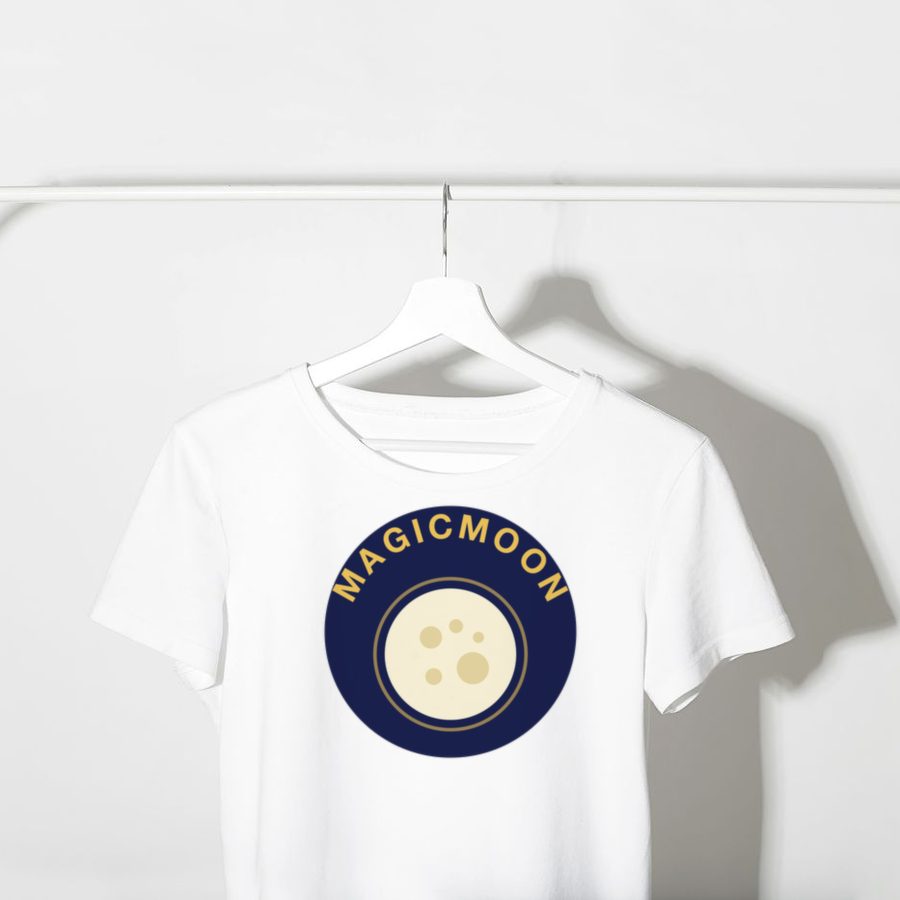
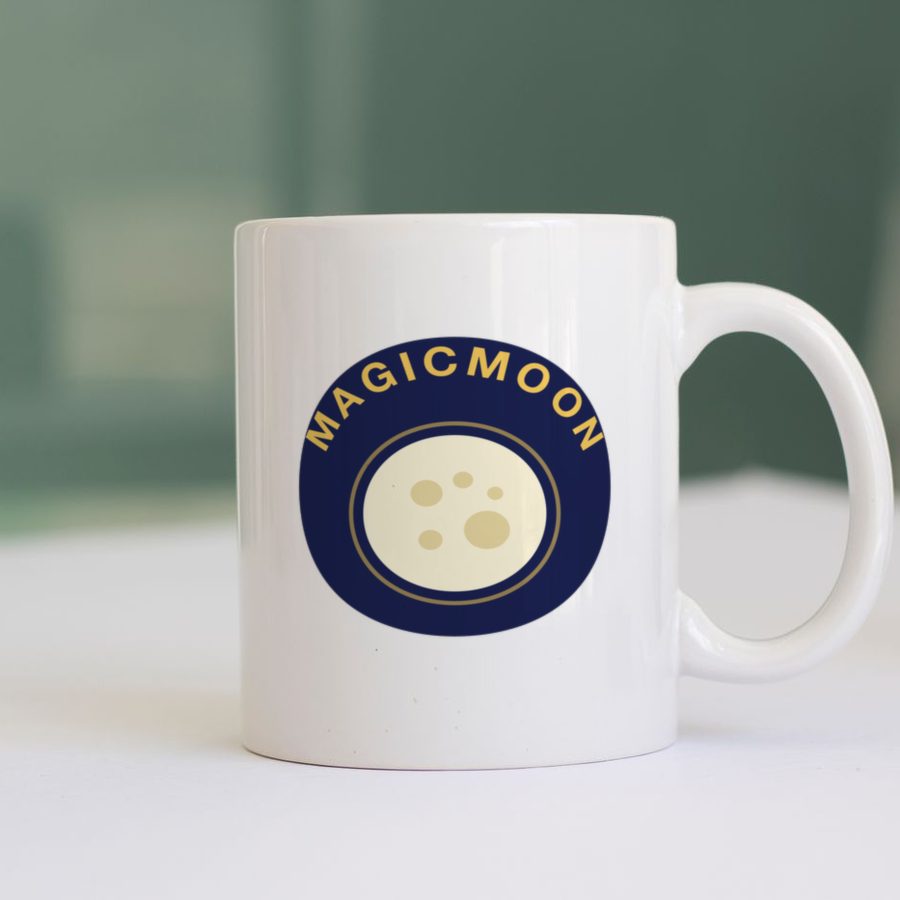
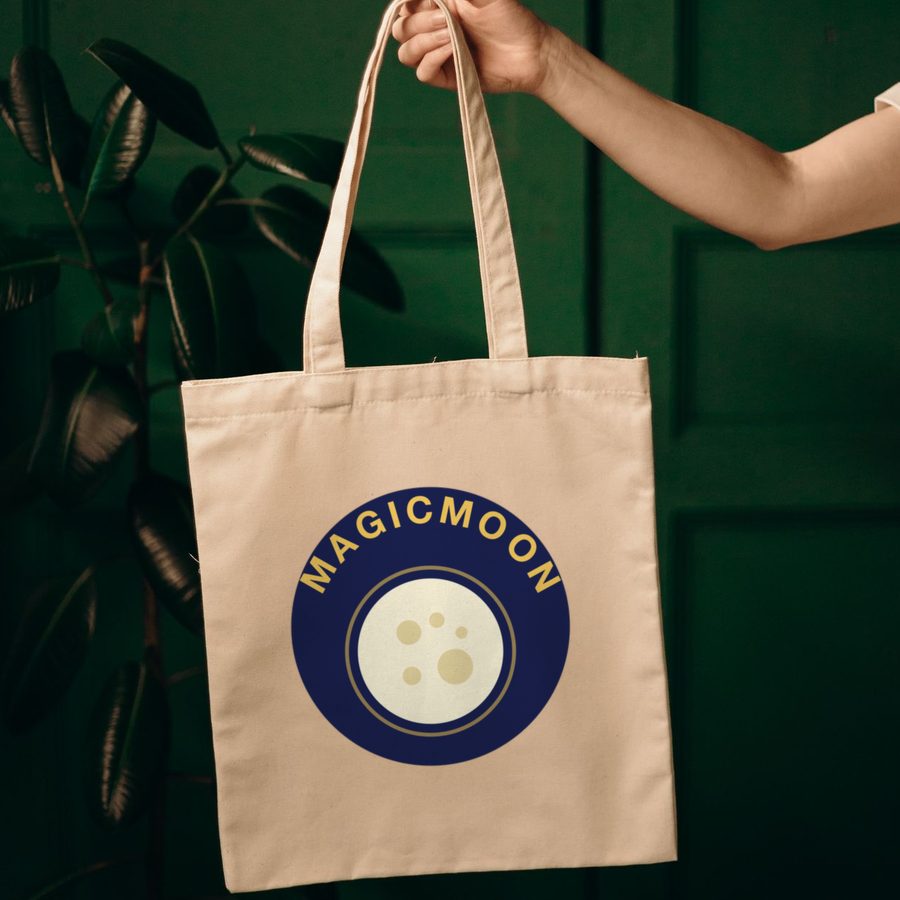
Mockup examples: one design, many products.
Watch it first
Video in French by Romain Brunel, 21 minutes. In the YouTube player, open the gear icon, then Subtitles, then Auto-translate to read it in English.
Tips for a better first product
- Describe one clear subject and one clear style in your prompt.
- Start with one product, such as a t-shirt or a mug, before you try many.
- Read the AI-written listing and fix anything that does not match your product.
- Order a sample before you promote the product.
Common mistakes to avoid
- Creating many designs before you know how many Moonlings you have.
- Publishing without reading the listing text.
- Forgetting that your supplier, not Magicmoon, prints and ships the orders.
When you are ready to go bigger
Magic Road Auto runs many ideas through a template you set once, with up to 500 ideas in one batch and points where it pauses for your approval. Read the Magicmoon review for the full picture.
Frequently asked questions
How long does the first product take?
It depends on how many designs you try and how carefully you review the listing. The guided path keeps each step short.
Can I use designs I made elsewhere?
Yes. You can import your own artwork as PNG, JPG or WebP.
Does Magicmoon ship my orders?
No. Your supplier prints and ships every order.