Print on Demand Etsy: How to Start Step by Step
You can sell print on demand products on Etsy without holding stock: a supplier prints and ships each order. This guide covers the steps, the costs and the rules, with AI-made designs in mind.
How print on demand works on Etsy
You open an Etsy shop, connect a supplier such as Printify or Gelato, create products with your designs and publish them as listings. When a customer buys, the order goes to the supplier, who prints and ships it.
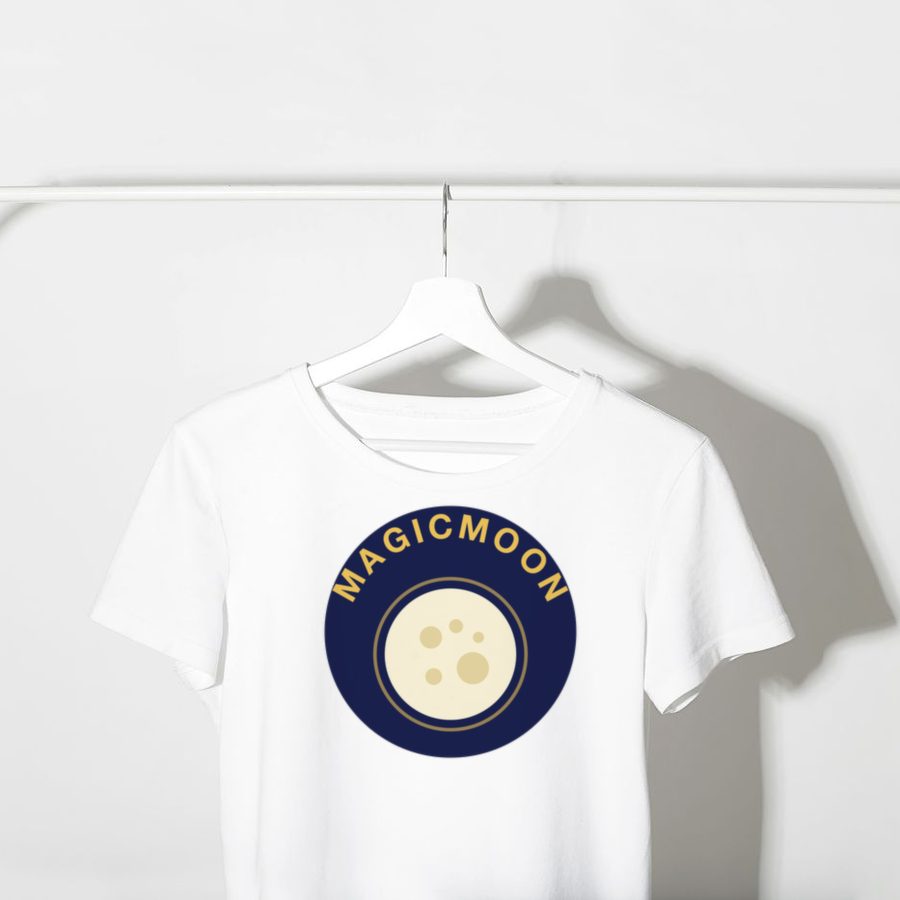

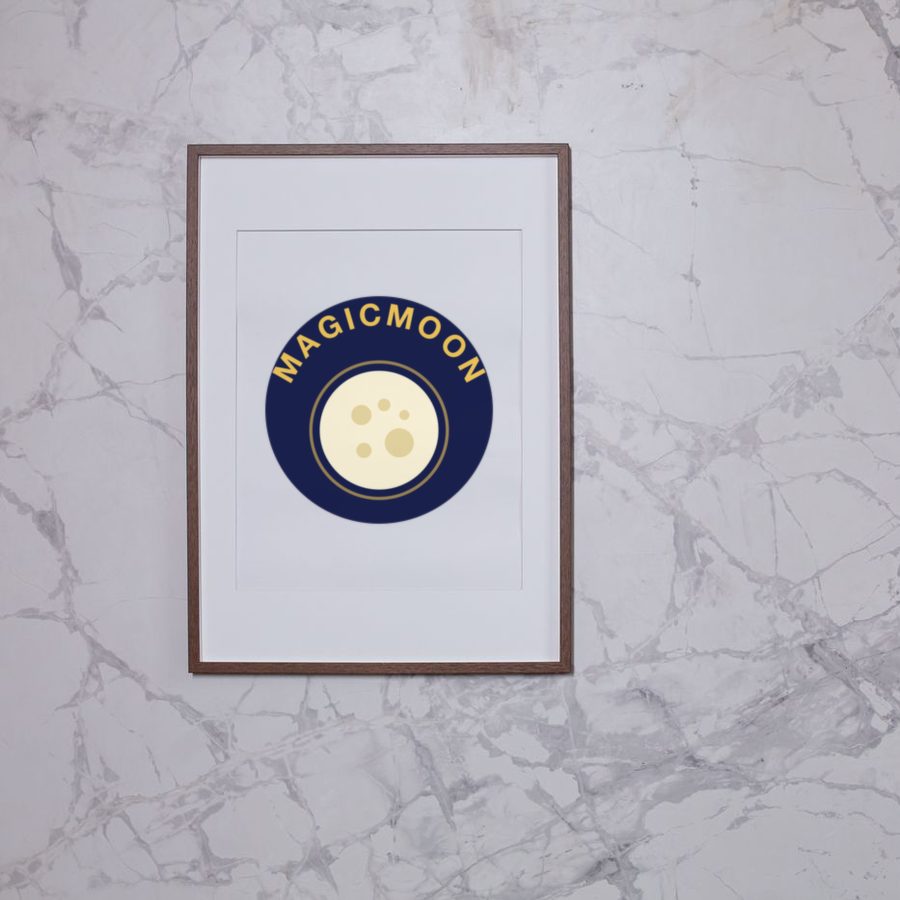
Mockup examples: one design, many products.
Costs and fees
According to Printify's Etsy guide, Etsy charges $0.20 per published item, a 6.5% transaction fee and a payment processing fee of 3% plus $0.25 for US sellers, and some new shops pay a one-time set-up fee. Fees change, so check Etsy's seller pages and set a price that covers production, shipping and fees.
Choose a supplier
The two common choices are Printify and Gelato. Read our Printify vs Gelato comparison and the Printify review, then order samples of your main products.
Create designs with AI
AI tools can speed up design and listing work. The Magicmoon review explains one tool that connects design, supplier and shop. Whatever tool you use, you remain responsible for the result, including originality and the rights to everything you print.
Publish listings and tags
Put your most specific keyword at the start of the title, use all 13 tags and upload clear photos of each product. Review any text written by AI before you publish.
Etsy rules
Etsy allows print on demand when you create the designs yourself and disclose your production partner in Shop Manager, under Settings and Partners you work with. Read Etsy's policies on handmade and designed-by-you items before you list.