Magicmoon vs Canva for Print on Demand: One Prompt vs a Learning Curve
Part of our Canva for print on demand guide.
Canva and Magicmoon solve different problems. Canva is a general design editor: you build the design, then handle the supplier and the shop elsewhere. Magicmoon is built for print on demand: you start from one idea and one prompt, and the path to a published product is guided. This page compares them on what matters to a seller.
Magicmoon vs Canva at a glance
| Point | Canva | Magicmoon |
|---|---|---|
| Starting point | A blank canvas or a template | An idea written as a prompt |
| What you must learn first | The editor, print sizes, export formats, licensing rules | Little: the guided path walks you through |
| Creating the design | You build it, with templates, elements and fonts | The AI creates it, or you import your own file |
| Matching your supplier's print area | You set the size yourself | The product and print areas are set up in the tool |
| Choosing the product and variants | In your supplier's site, in another tab | In the same interface |
| Writing the listing | By hand in your shop | Written by AI, then reviewed by you |
| Publishing | Manual, in your shop's dashboard | Direct to Etsy, Shopify or WooCommerce |
| Making many products | Repeat each step for each product | Up to 500 ideas through a template |
| Typography and layout control | Excellent, down to every letter | Less manual control |
| Best for | Designers who want precision, and many non-POD uses | Sellers who want to go from idea to listing fast |
The learning curve, step by step
To sell your first t-shirt with Canva, you learn the editor, the print area and resolution, the export settings, the rules for Canva content in products for sale, your supplier's upload tool and your shop's listing format. That is a lot to learn before the first sale. See the full list in our guide to using Canva for print on demand.
One idea, one prompt
With Magicmoon the path starts from the idea: write a prompt, keep the designs you like, pick the supplier and product, review the AI-written listing and publish when you decide. Printify and Gelato on the supplier side and Etsy, Shopify and WooCommerce on the shop side connect to it, so it is one interface instead of many tabs. Orders are still produced and shipped by your supplier. Read the Magicmoon review for the details.
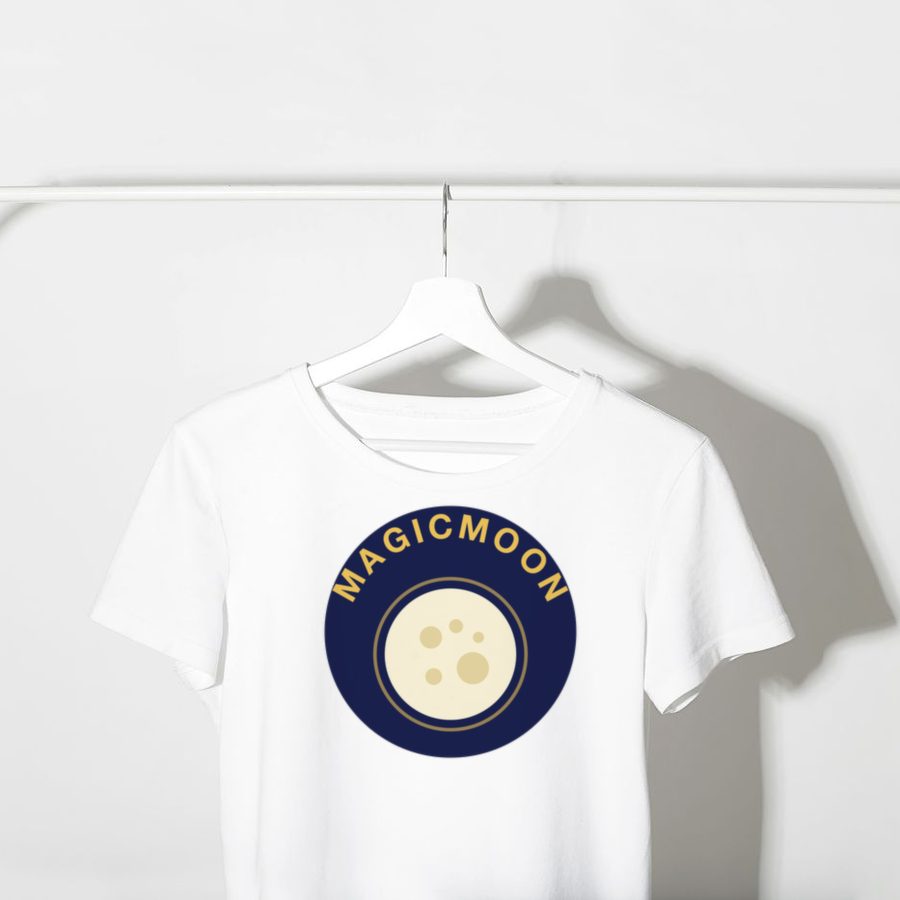
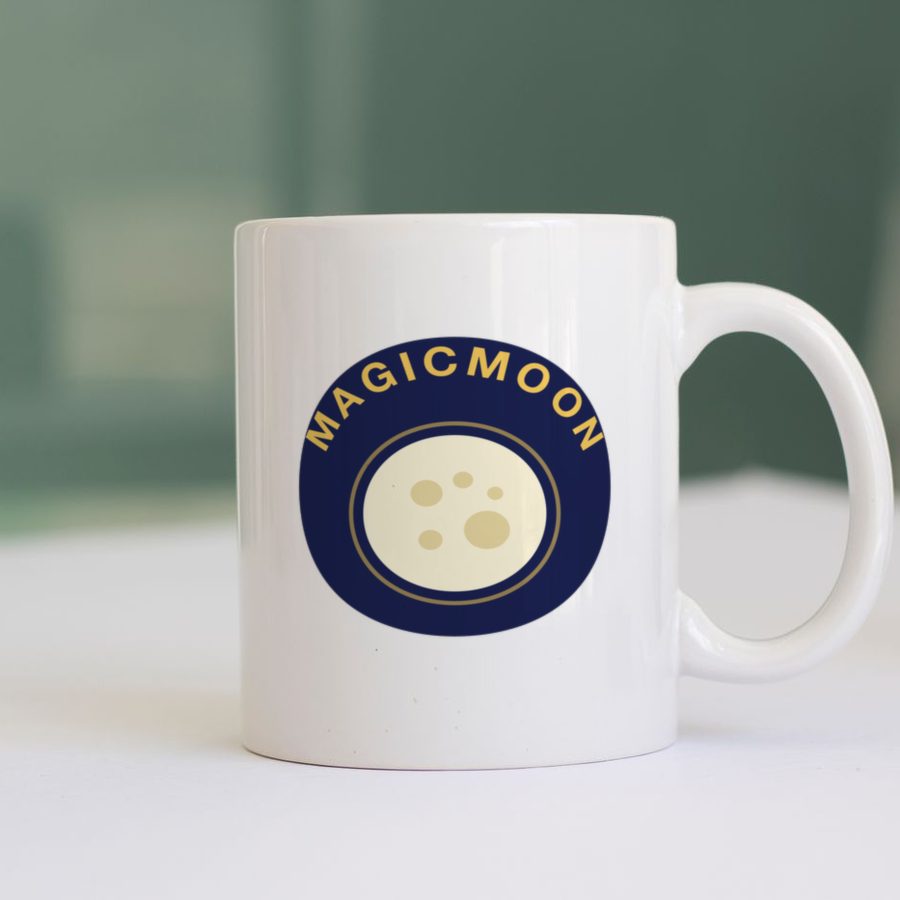
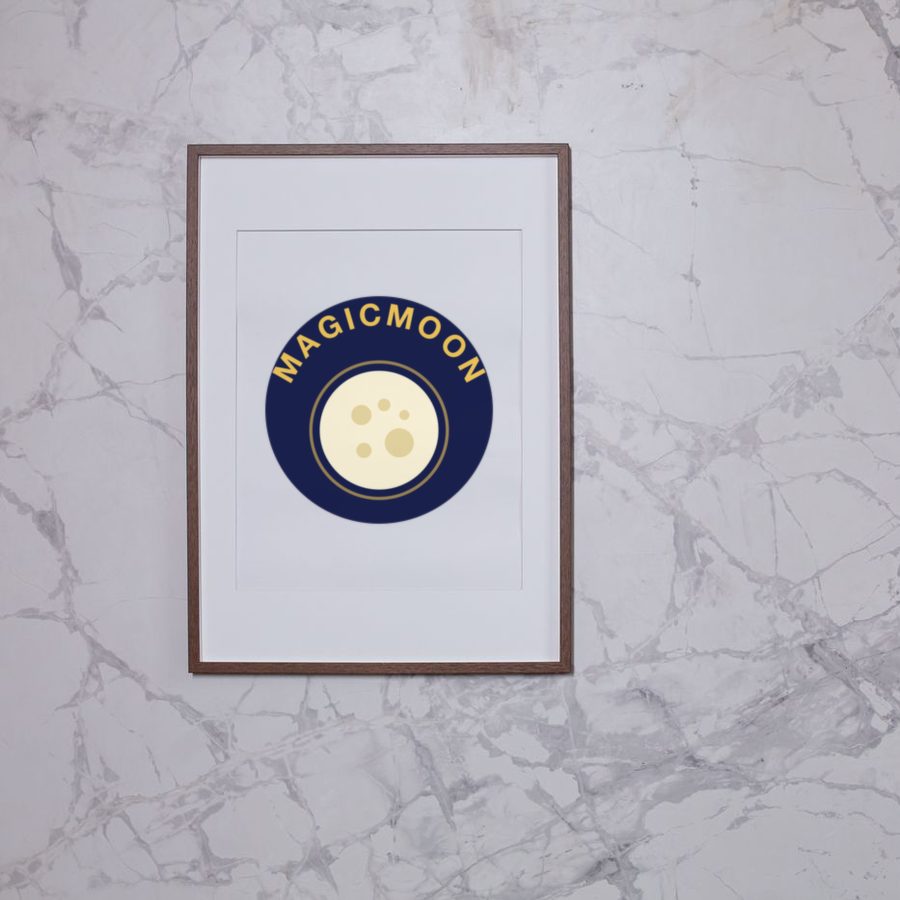
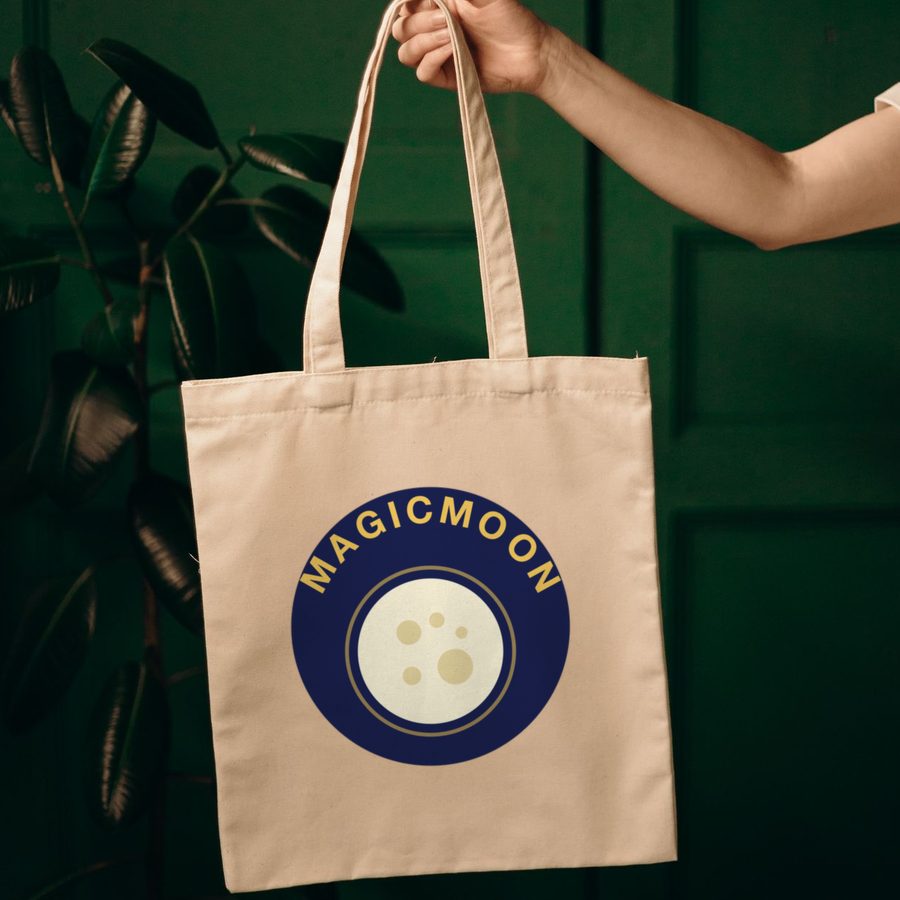
Mockup examples: one design, many products.
Where Canva wins
- Total control over typography, layout and branding.
- One tool for many other jobs: social posts, presentations, documents.
- A huge library of templates and a large community.
Canva also has its own AI image tools. They create images, but the supplier setup and the publishing still happen in other tools. You can also use both: finish a design in Canva and import it into Magicmoon as PNG, JPG or WebP. If you do, follow Canva's rules for products for sale.
Which one should you choose?
Choose Magicmoon if you want to go from idea to listing fast
You are new to print on demand, you do not want to learn several tools, or you plan to launch many products.
Choose Canva if design precision comes first
You love designing, you need exact typography, or you only sell a few products.
More options are in our guide to the best AI for print on demand.
Frequently asked questions
Is Magicmoon a Canva alternative?
For print on demand, yes: it covers design, product setup, listing and publishing. For everything else Canva does, no.
Is it really one prompt?
One prompt starts the design. You still choose the supplier and product, review the listing and decide when to publish.